










![JMA – Ninja & Deep Jandu [Official MV] Kaptaan](https://i.ytimg.com/vi/-dsfIh319s0/maxresdefault.jpg "JMA – Ninja & Deep Jandu [Official MV] Kaptaan")






Who Needs This Service?
- Indian citizens aged 18-40 years (age limits vary by post and category) seeking permanent/temporary positions in central government, state government, public sector undertakings (PSUs), railways, banking, defense, and other government organizations.
- Graduates, post-graduates, 10th/12th pass candidates, diploma holders, and professionals (engineers, doctors, teachers) looking for secure government employment with benefits like pension, job security, and allowances.
Required Documents
Before starting your application on any official government job portal, keep these documents ready in scanned format (PDF/JPG, usually under 100KB-200KB):
- Aadhaar Card (mandatory for most applications)
- Valid Email ID and Mobile Number (for OTP verification)
- Educational Certificates (10th, 12th, graduation, post-graduation marksheets and certificates)
- Date of Birth Proof (Birth certificate/10th certificate)
- Caste/Category Certificate (SC/ST/OBC-NCL/EWS certificate issued by competent authority, if applicable)
- PwD Certificate (disability certificate from recognized medical board, if applicable)
- Recent Passport-size Photograph (digital, white background, 10-100KB)
- Signature Image (scanned on white paper, 10-100KB)
- Experience Certificates (for posts requiring experience)
- Domicile/Residence Certificate (for state government jobs)
- Income Certificate (for EWS category, valid for current financial year)
How to Find Government Jobs on Official Websites
Primary Official Job Portals
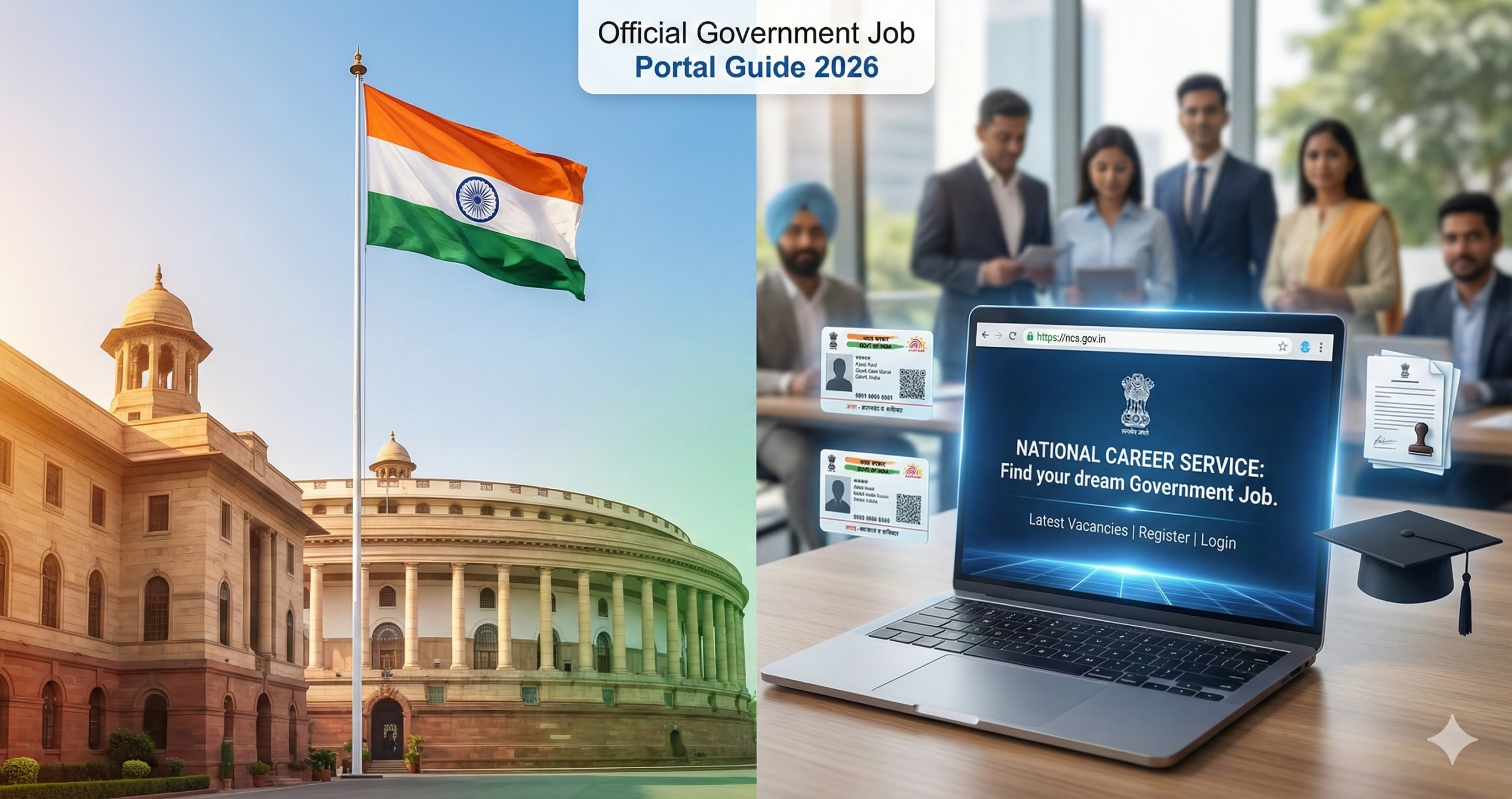
1. National Career Service (NCS) Portal – https://www.ncs.gov.in
The NCS portal is the Government of India’s official employment portal that aggregates job postings from various government departments.
Registration Process:
- Visit https://www.ncs.gov.in
- Click on “Job Seeker” section on homepage
- Click “Register” button (top right corner)
- Select “I am a fresher” or “I am an experienced” based on your profile
- Enter Aadhaar number → Click “Get OTP”
- Enter OTP received on Aadhaar-linked mobile number
- Fill basic details: Name, Email, Mobile, Password
- Click “Register” and verify email through link sent to your inbox
- Login with registered email/mobile and password
- Complete your profile: Education, Skills, Experience, Preferences
- Upload documents (photo, signature, certificates)
- Click “Save” to activate your profile
Job Search on NCS:
- Login to your NCS account
- Click “Search Jobs” from dashboard
- Apply filters: Government/Private, Location, Qualification, Sector
- Select “Government” under employer type
- Browse listings and click “View Details” for job description
- Click “Apply” if eligible → You’ll be redirected to the department’s official website
- Complete application on the specific department portal
2. Employment News – https://www.employmentnews.gov.in
Employment News is the official weekly publication by the Ministry of Information & Broadcasting listing all government job vacancies.
How to Use:
- Visit https://www.employmentnews.gov.in
- Click “E-Paper” to view current week’s edition (published every Saturday)
- Browse PDF pages for job notifications with complete details
- Note down the official website link mentioned in each notification
- Subscribe to weekly e-paper (₹400/year) for regular updates
- Apply directly on the organization’s website mentioned in the notification
Major Department-Wise Official Recruitment Websites
3. Union Public Service Commission (UPSC) – https://www.upsc.gov.in
For Civil Services, IAS, IPS, IFS, and other Group A & B central government posts.
Application Process:
- Visit https://www.upsconline.nic.in
- Click “Online Application for Various Examinations of UPSC”
- For new users: Click “Click here to Register” → Part I Registration
- Fill personal details, create password, enter valid email/mobile
- Submit Part I → Note down Registration ID
- Login with Registration ID and password
- Complete Part II: Educational details, exam center preference, category details
- Upload photograph and signature (exact dimensions specified)
- Pay application fee through net banking/debit/credit card/UPI (fee waiver for women/SC/ST/PwD)
- Preview filled application → Submit
- Download and print confirmation page for future reference
4. Staff Selection Commission (SSC) – https://ssc.nic.in
For Group B & C posts in central government ministries and departments (CHSL, CGL, MTS, Stenographer, etc.).
Application Process:
- Visit https://ssc.nic.in
- Click on current open advertisement (e.g., “SSC CGL 2026”)
- Read detailed notification PDF thoroughly
- Click “Apply” link → Redirected to https://sscapply.ssc.nic.in
- For first-time users: Click “Register Now”
- Enter basic details → Submit to get Registration Number
- Login with Registration Number and password
- Fill complete application form in multiple sections
- Upload photo, signature (JPG format, size as specified)
- Make payment online (Gen/OBC: ₹100, Women/SC/ST/PwD: Exempt)
- Submit application → Print confirmation page
5. Railway Recruitment Board (RRB) – https://www.rrbcdg.gov.in
For railway jobs including NTPC, Group D, ALP, Technician, RPF, and other posts.
Application Process:
- Visit respective RRB zonal website (e.g., https://www.rrbkolkata.gov.in for Kolkata region)
- Check “Latest News” section for current notifications
- Click on active recruitment link
- Read CEN (Centralized Employment Notification) carefully
- Click “Apply Online” → New user registration
- Enter Aadhaar number → Verify with OTP
- Fill registration form → Get Registration Number
- Login and complete full application
- Upload documents in prescribed format
- Pay fee online (₹500 for General/OBC, ₹250 for SC/ST/PwD/Ex-Servicemen/Women)
- Download e-receipt and application form
6. Institute of Banking Personnel Selection (IBPS) – https://www.ibps.in
For nationalized bank jobs (PO, Clerk, SO, RRB).
Application Process:
- Visit https://www.ibps.in
- Click on active recruitment (e.g., “CRP PO/MT-XIV”)
- Download detailed notification
- Click “Click here to Apply Online”
- New registration: Provide email and mobile → Get registration details
- Login with registration number/email
- Fill personal, educational, and category details
- Upload photograph, signature, left thumb impression (as per specifications)
- Pay examination fee (Gen/OBC: ₹850, SC/ST/PwD: ₹175)
- Submit and print final application
7. State Public Service Commissions
Each state has its own PSC for state-level government recruitment:
General State PSC Application Process:
- Visit your state PSC website
- Check “Advertisements” or “Current Openings” section
- Read notification for eligibility and vacancy details
- Click “Apply Online” for specific recruitment
- Register with email/mobile (one-time registration for most PSCs)
- Login and fill application form
- Upload state domicile certificate (mandatory for state jobs)
- Pay fee through online mode (varies by state, usually ₹200-₹500)
- Submit and save acknowledgment
8. Defense Recruitment
Application Process (Common for Defense):
- Visit respective defense website
- Click “Apply Online” or “Join Us”
- Register with email ID and mobile number
- Verify through OTP
- Fill personal details, educational qualifications
- Select trade/branch preference
- Upload documents: photo, signature, educational certificates
- Check eligibility for medical standards (height, weight, vision, chest)
- Submit application (usually free of cost)
- Download admit card when released
Offline Application Process (Where Available)
Some recruitments still accept offline applications:
1. Obtain Application Form:
- Download from official website and print, OR
- Purchase from designated post offices/banks (if specified in notification)
2. Fill Application Form:
- Use BLACK ballpoint pen
- Write clearly in CAPITAL LETTERS
- Attach passport-size photographs (as specified)
- Self-attest all document copies
3. Prepare Demand Draft (if fee applicable):
- In favor of: [Name specified in notification]
- Payable at: [City specified]
4. Submit Application:
- By Post: Send to address mentioned in notification via registered/speed post
- In Person: Submit at specified office during working hours
- Note deadline carefully (postal submissions accepted based on postmark date)
5. Keep Proof:
- Photocopy of complete application
- Postal receipt (if sent by post)
- Acknowledgment receipt (if submitted in person)
How to Check Application Status and Track Application
For UPSC:
- Visit https://www.upsconline.nic.in
- Click “Status of Application”
- Enter Registration ID and Date of Birth
- View status: Accepted/Rejected with reasons
For SSC:
- Visit https://ssc.nic.in
- Go to “Status” menu
- Select relevant recruitment
- Enter Registration Number and password
- Check application status, payment status, admit card availability
For Railway (RRB):
- Login to respective RRB portal
- Enter Registration Number and Date of Birth
- View application status, payment status, exam city details
For IBPS:
- Visit https://www.ibps.in
- Click on relevant recruitment link
- Login with registration number
- Check “Application Status” section
General Method for All Portals:
- Login to your registered account
- Navigate to “My Applications” or “Application Status”
- Status shown as: Submitted/Under Review/Accepted/Rejected
- Download admit card when available (usually 7-15 days before exam)
Common Problems and Solutions
1. Aadhaar OTP Not Received
Problem: OTP not coming on mobile during registration/verification.
Solutions:
- Ensure mobile number is linked to Aadhaar (check at https://resident.uidai.gov.in)
- Wait 30 minutes and retry
- Check if phone is in DND mode – temporarily deactivate
- Use alternative: Virtual ID instead of Aadhaar number (generate from UIDAI website)
- Contact UIDAI helpline: 1947
2. Payment Failed But Amount Deducted
Problem: Application fee deducted from bank but payment status shows failed.
Solutions:
- Wait 48-72 hours for auto-refund or status update
- Check bank account statement for actual debit
- Login to application portal after 24 hours – status may auto-update
- Contact bank’s customer care with transaction reference number
- File complaint on portal’s “Payment Issues” section with:
- Registration number
- Transaction ID
- Bank reference number
- Screenshot of debit SMS
- Most portals have payment reconciliation process within 7 days
3. Unable to Upload Photo/Signature – Size/Format Error
Problem: “File size too large” or “Invalid format” error.
Solutions:
- Use JPG/JPEG format only (not PNG unless specified)
- Resize image using free tools:
- Exact dimensions matter: For example, photo 3.5cm × 4.5cm at 200 DPI
- File size: Usually 10KB-100KB (compress if needed)
- Background: White/light colored
- Signature: Black ink on white paper, scan and crop properly
- Clear cache and try different browser (Chrome recommended)
4. Forgot Registration Number/Password
Problem: Unable to login to continue application.
Solutions:
- For Registration Number:
- Check email inbox (registration confirmation email)
- Check SMS on registered mobile
- Use “Forgot Registration Number” link – enter email/mobile/date of birth to retrieve
- For Password:
- Click “Forgot Password”
- Enter registration number and registered email/mobile
- Get reset link via email or OTP via SMS
- Create new password
- If all else fails: Contact helpdesk with Aadhaar/ID proof
5. Application Rejected Due to Document Issues
Problem: Application rejected stating “Invalid documents” or “Documents not clear.”
Solutions:
- Check rejection reason in application status section
- Common issues:
- Blurred scan: Re-scan in 300 DPI minimum
- Wrong certificate uploaded: Match document type with column
- Certificate not signed/stamped: Get proper attested copy
- Date mismatch: Ensure dates match between different documents
- Wrong category certificate: OBC-NCL must be issued within 1 year, EWS within current financial year
- For re-upload (if allowed):
- Login within correction window (usually 2-3 days announced separately)
- Upload corrected documents
- Re-submit application
- If no correction window: May need to wait for next recruitment cycle
- Contact recruitment cell with query ticket
Other Common Issues:
• “Session Timed Out”: Save application in multiple steps, don’t keep form open too long • “Email Already Registered”: Use unique email per recruitment/portal • “Form Not Saving”: Disable pop-up blocker, enable cookies, use updated browser • “Admit Card Not Available”: Check exam date, usually available 10-15 days before; check spam folder if sent via email
Official Helpline Numbers and Contact Details
National Career Service (NCS):
UPSC:
- Facilitation Counter: 011-23385271, 011-23381125
- Email: upsc-helpdesknic@gov.in
- Timings: 10:00 AM – 5:00 PM (Working days)
Staff Selection Commission (SSC):
Railway Recruitment Board (RRB):
- RRB-specific helplines (varies by zone):
- Contact details available on each RRB’s website
- Example: RRB Mumbai: 022-27653579
- Email: Contact respective RRB email from website
IBPS:
State PSC Contact:
- Visit respective state PSC website → “Contact Us” section for phone/email
- Most have dedicated helpdesk during application period
Defense Recruitment:
- Indian Army: 011-26173215
- Indian Navy: 011-23010097
- Indian Air Force: 011-23010231
- Email: Available on respective recruitment websites
Other Important Contacts:
UIDAI (for Aadhaar issues):
Ministry of Personnel, Public Grievances & Pensions:
- Toll-Free: 1800-111-555 (for general government employment queries)
Tips for Contacting Helplines:
- Keep Registration Number, Advertisement Number handy
- Call during working hours (usually 10 AM – 5 PM)
- For emails, mention clear subject line with Registration Number
- Response time: 3-7 working days for email queries
- Use registered email/mobile for communication
Important Points to Remember
Before Applying:
- Read complete notification PDF (eligibility, age, educational qualification, experience)
- Check application fee and exemption categories
- Verify exam pattern and syllabus
- Note important dates: Application start, end, exam date, result date
- Keep all documents ready in required format
During Application:
- Fill all mandatory fields (marked with *)
- Double-check personal details, educational qualifications
- Category/PwD candidates must upload valid certificates
- Save application frequently
- Preview before final submission
- Take printout/screenshot of confirmation page
After Submission:
- Regularly check email and SMS for updates
- Download admit card within specified dates
- Verify exam center, date, time on admit card
- No editing possible after final submission (except during correction window if provided)
Beware of Fake Websites:
- Only trust official .gov.in or .nic.in domains
- Government never asks for payment for job guarantee
- No agent/consultancy required for government job applications
- Verify website URL carefully (fraudsters create similar-looking domains)
- Subscribe to official social media handles for authentic updates
Document Validity:
- OBC-NCL certificate: Valid for 1 year from issue date (for Central Govt jobs)
- EWS certificate: Valid for current financial year only
- All certificates must be from competent authority
- Self-attested copies acceptable for online applications; originals needed at document verification stage
This information is from official sources as of February 2026. Always verify on the official portal mentioned in the recruitment notification for the latest updates, as rules, procedures, and fees may change. Bookmark official websites and enable notifications for timely alerts on new job postings.